
On / Off switch
One click declares war. One click calls a ceasefire. The menu bar icon dims so you know the guns are down.
A very serious macOS menu bar app
ShotgunKeyboard plays a shotgun blast every time you press a key. Anywhere. System-wide. War has rules; this app has none.
One-time purchase. The ammo is free forever. Mac App Store coming soon.

Twenty-eight seconds, sound on. That's the whole sales pitch.
Install, flip one switch, type one sentence — and hear exactly what your coworkers are about to endure.
Turn the sound on. The entire product is a sound.
Everything lives behind one little menu bar icon. No dock icon, no windows, no onboarding carousel. Just violence for your ears.
One click declares war. One click calls a ceasefire. The menu bar icon dims so you know the guns are down.
From “polite office skirmish” to “the neighbors are calling someone”. You pick the caliber.
Holding backspace shouldn't sound like a machine gun. Unless — hear us out — you want it to.
Let ⇧ ⌘ ⌥ ⌃ join the fight. ⌘S has never felt this dramatic. Save your document. Save yourself.
For a permanent state of war. Your Mac boots, the shotgun racks. Settings persist across restarts.
Preview the blast without typing a single character. It's called range practice. Look it up.
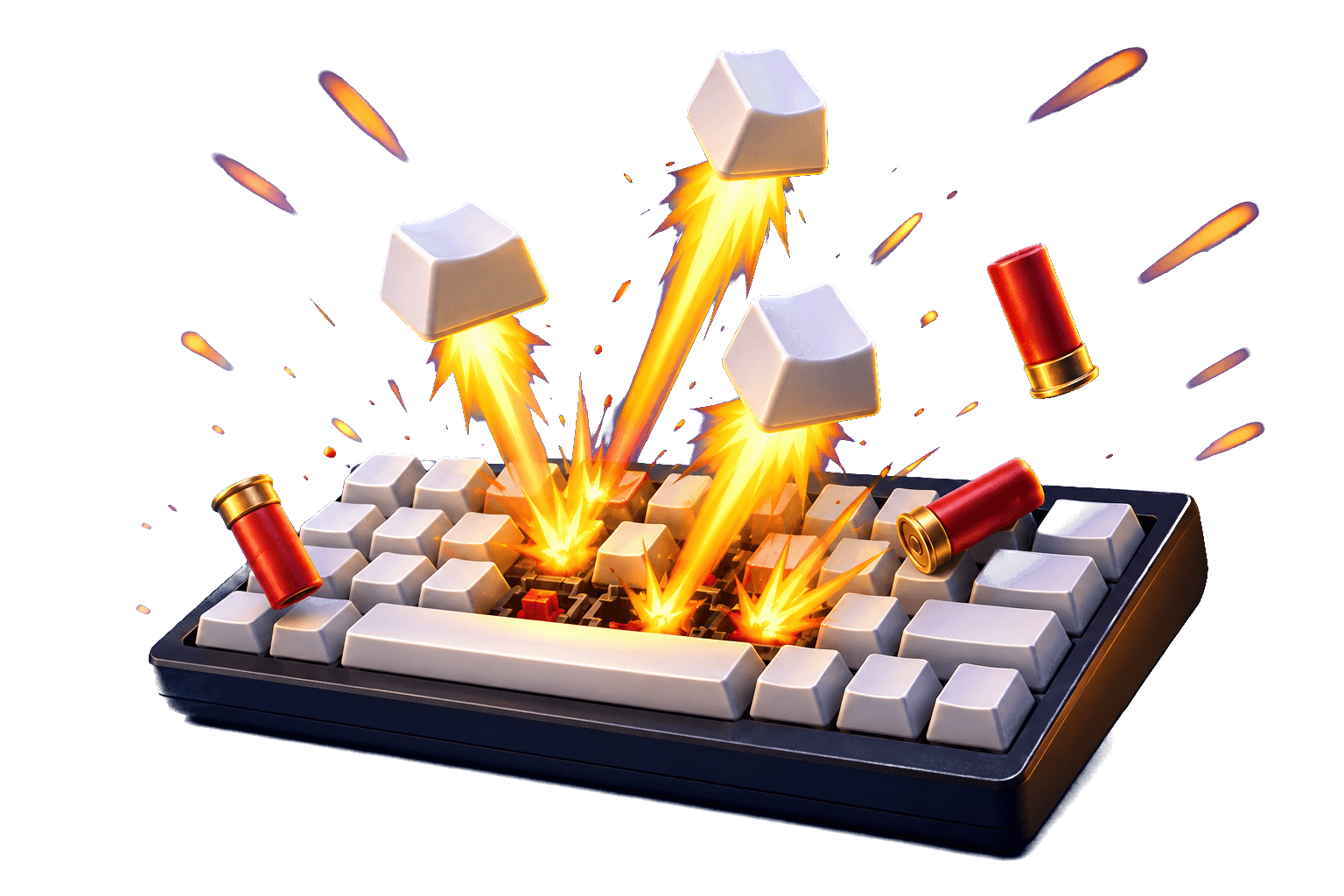
Where this came from
A friend would not stop going on about his mechanical keyboard, so I threw together a prototype to out-annoy him. Then I posted it.
You all saw the rest. By popular demand the joke had to become a real product — so here we are.
@undercovertechgeniusmacOS makes every app ask before it can hear keystrokes system-wide. Reasonable! ShotgunKeyboard walks you through it and handles the rest itself.
macOS demands Input Monitoring permission before any app may hear your keys. Fair. The app points you to the right screen.
Privacy & Security → Input Monitoring → ShotgunKeyboard: ON. That's the entire setup. No account, no tutorial, no newsletter.
The app notices the grant within a second and restarts on its own. From then on: every. keystroke. fires.
ShotgunKeyboard never records or stores what you type. It only reacts to the fact that a key went down — which key is none of its business. Nothing leaves your Mac. The only thing it shoots is air.
$1.99, once. Cheaper than a real shotgun, and legal in open-plan offices. No subscription, no account — just ammo.
Have a promo code? There's a field for it in the form. Questions first? support@shotgunkeyboard.com
Prefer the Mac App Store? Same shotgun, currently trundling through App Review — coming soon.
Yes. $1.99, once, forever. No subscription, no account, no "pro tier". The ammo doesn't run out.
Almost immediately. That's the volume slider's problem, not ours. Headphones exist; we checked.
Never. It only reacts to the fact that a key went down — which key is none of its business. All sound, zero surveillance, nothing stored, nothing sent anywhere.
Why does a mechanical keyboard need artisan keycaps? Some questions answer themselves the first time you hear ⌘S go BOOM.
Studies we made up show a 400% increase in typing motivation. Your words per minute won't go up, but they'll feel faster.

